AI Website Builder
Create a website or web app from a prompt, refine it in chat, and publish it with a shareable link. No coding required.
Loved by 2,000,000+ users and trusted by individuals at





Featured in


From prompt to published site
Build no-code websites with AI using Julius.
AI website builder
Describe the audience, sections, content, and visual direction, then let Julius generate the website.
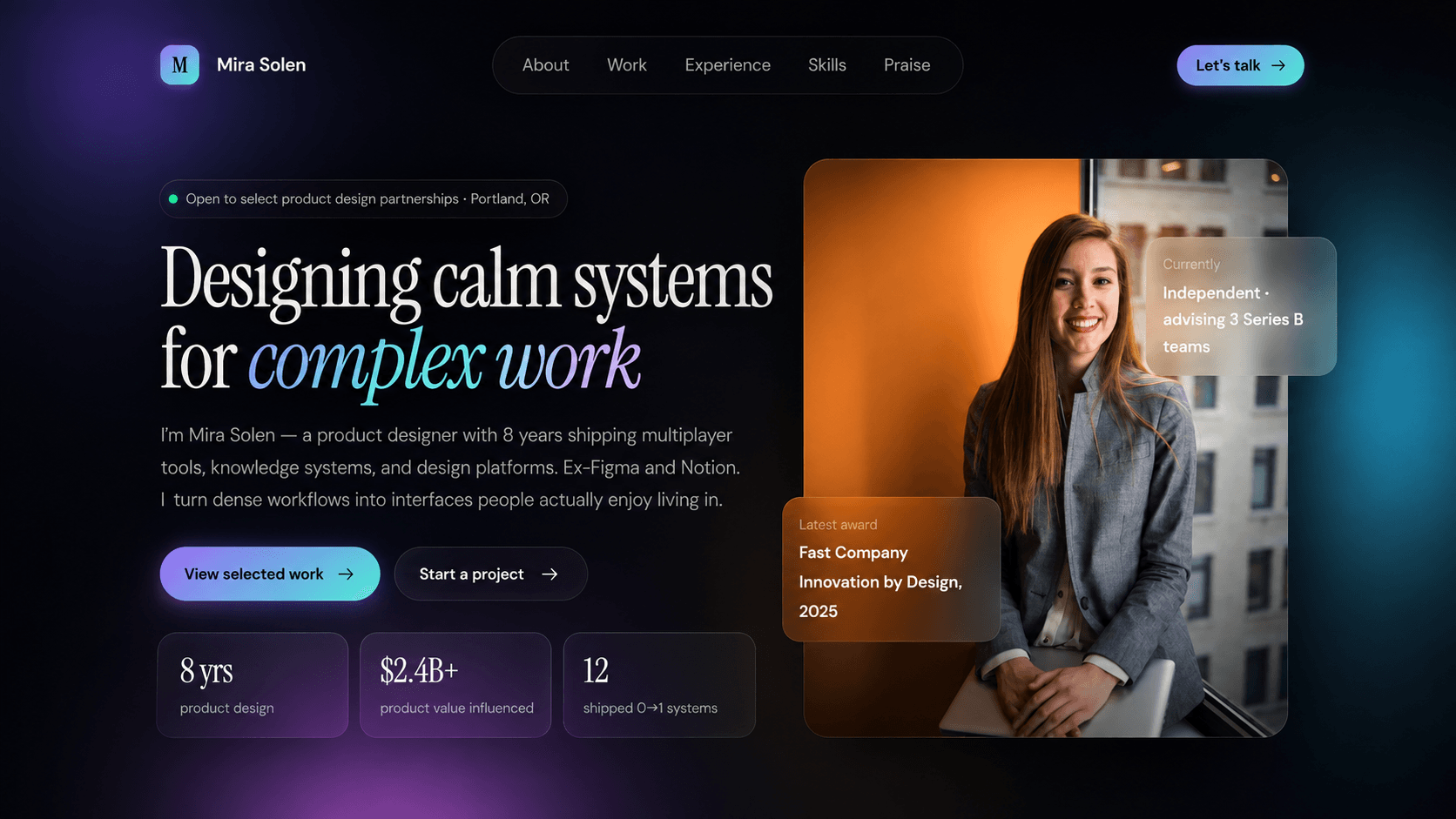
Personal websites and AI blogs
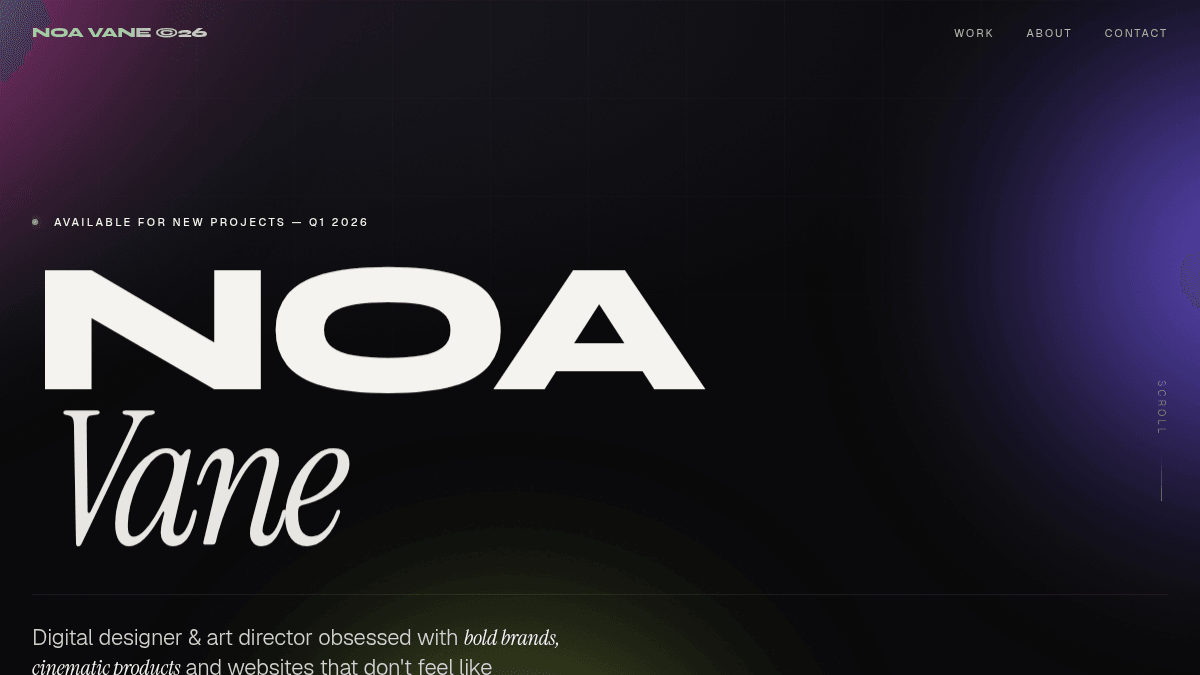
Craft your personal sites, portfolios, and blogs with articles, stories, categories, and details you want to share.
No-code website builder
Rewrite copy, reorganize sections, adjust colors, add motion, and improve layouts by prompting.
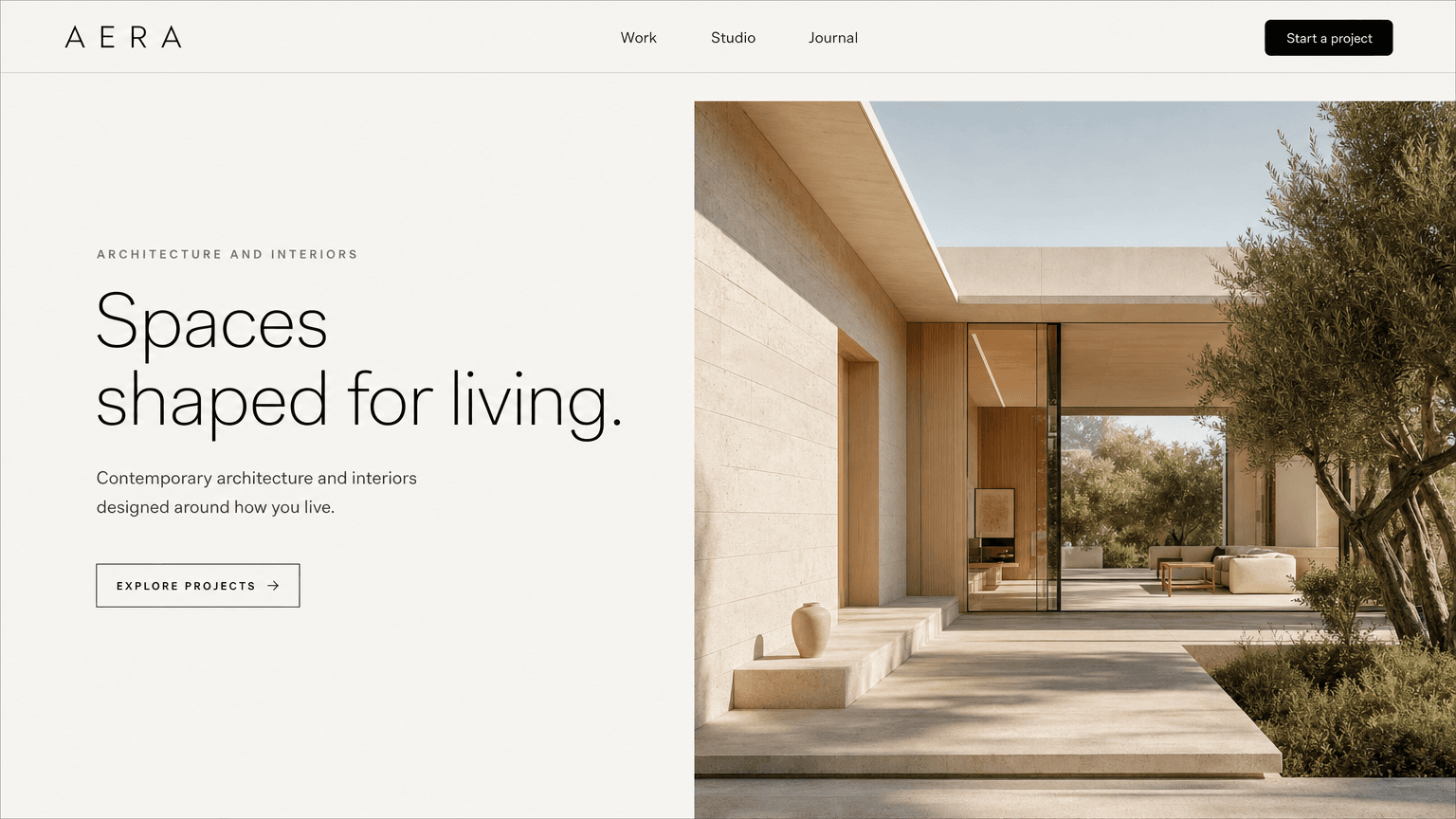
AI landing page generator
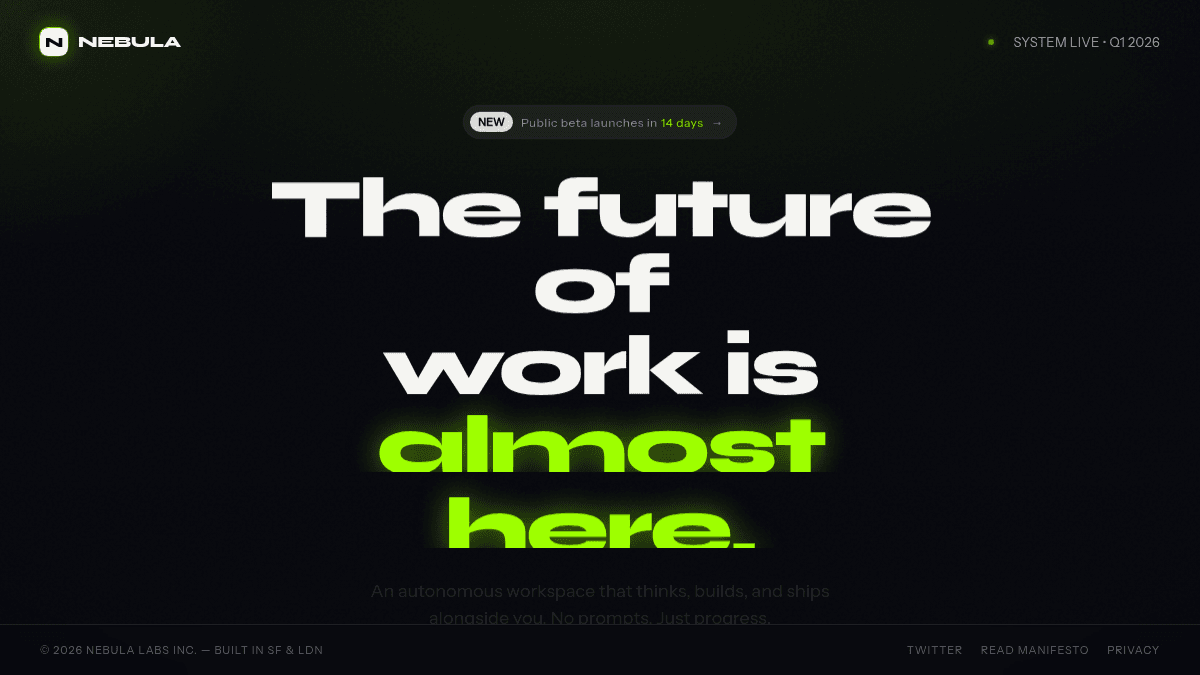
Create product launches, waitlists, event pages, campaigns, and coming soon pages.
Interactive websites and web apps
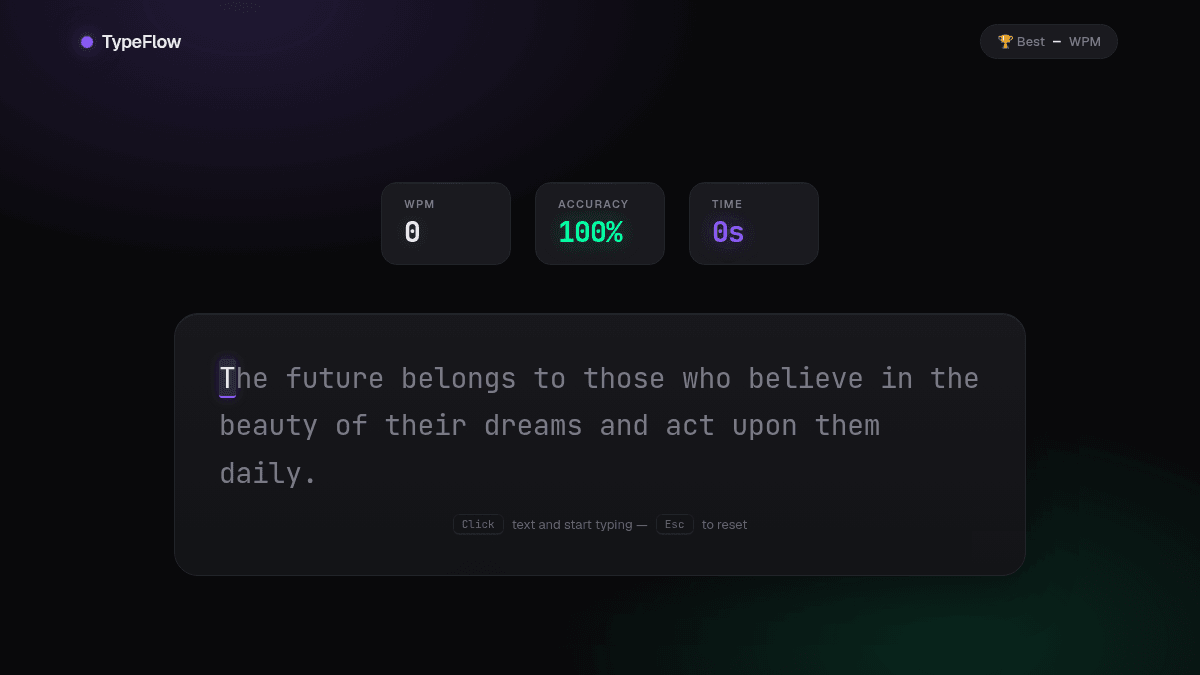
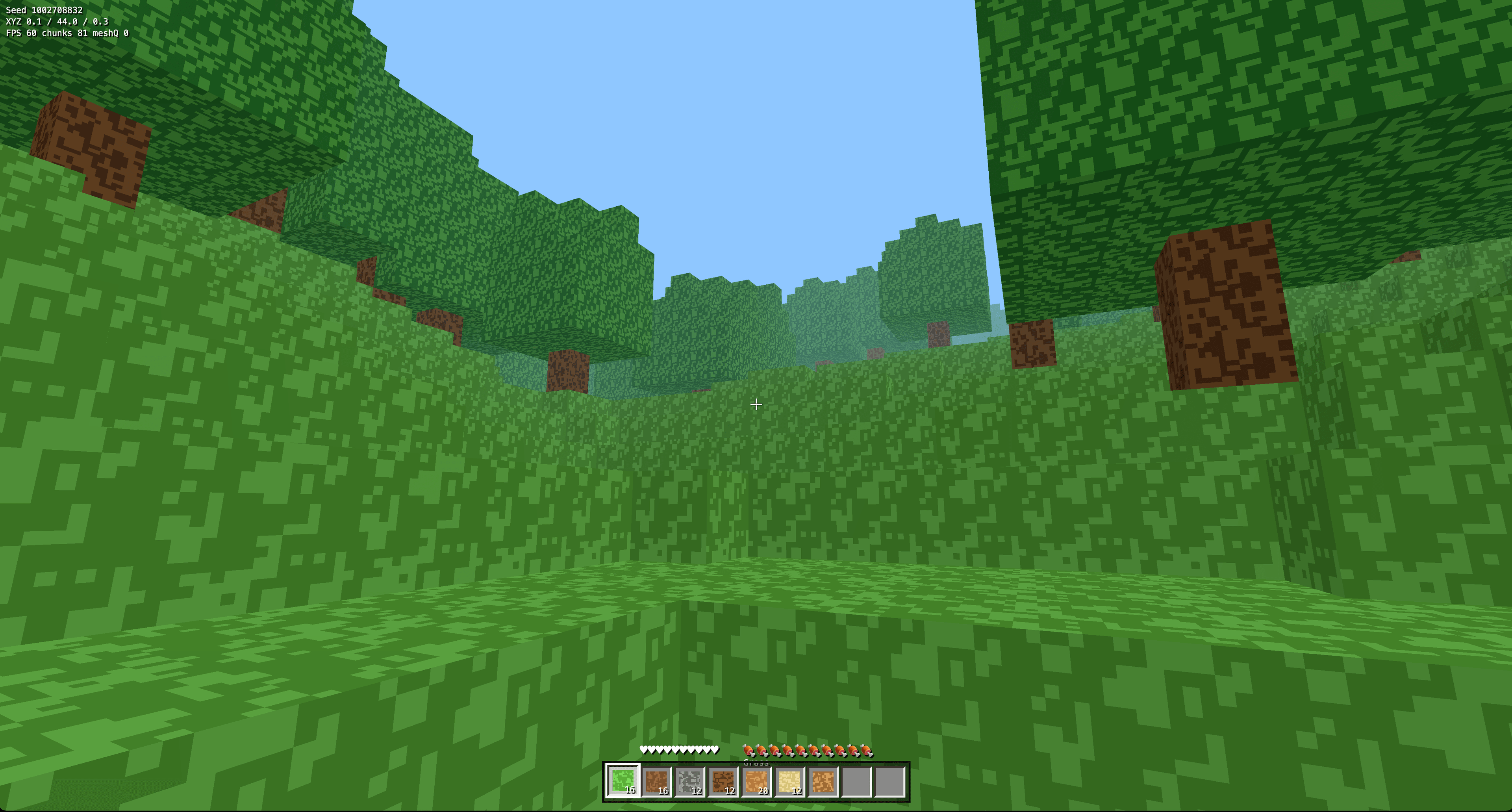
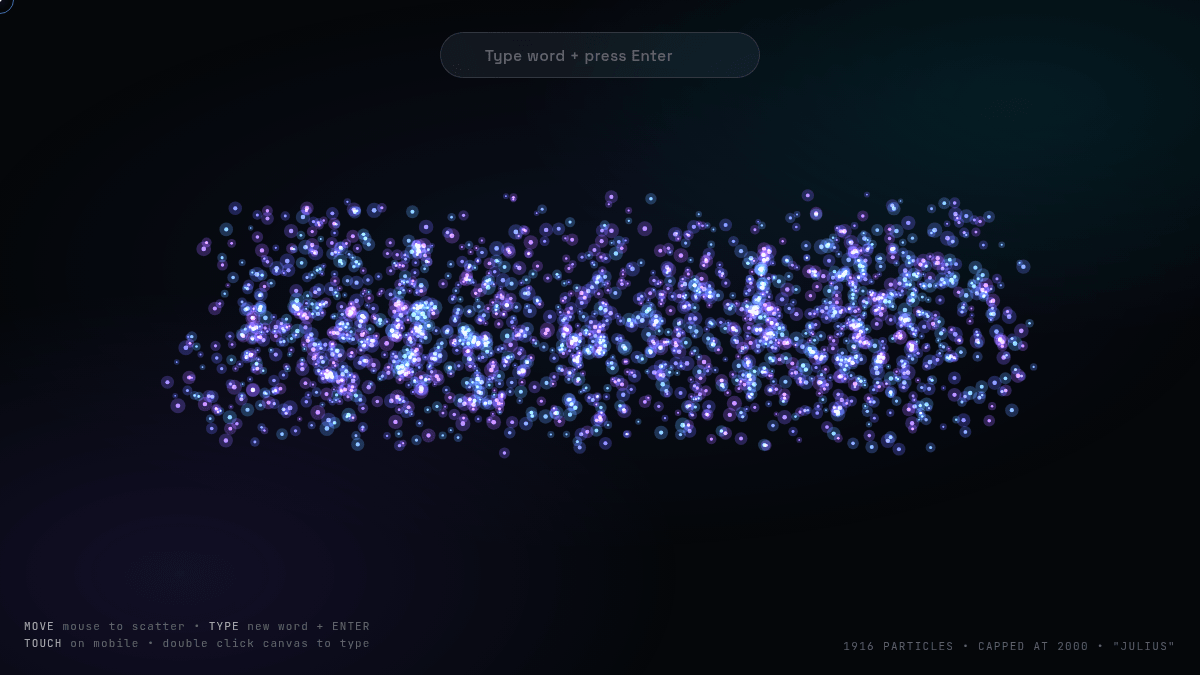
Build working tools, games, dashboards, and data visualizations with controls and browser logic.
Publish and share your website
Publish the finished website from Julius and get a link you can share with anyone.
Frequently asked questions
What is an AI website builder?
An AI website builder turns a plain-language prompt into a website. These tools are also commonly described as AI website generators or AI website creators. Instead of choosing every section and style by hand, you explain what the site should do and how it should look. Julius generates the website in chat, where you can preview it and ask for changes.
Is Julius a free AI website builder?
Julius is free to try. New accounts receive free credits that you can use to build a website or web app. Paid plans provide more credits and higher limits for continued use.
How do I build a website with AI?
Start with the type of site, its audience, the sections it needs, and a visual direction. Julius generates the first version from that prompt. Review the preview, ask for specific changes in chat, and publish the finished site when it is ready.
Do I need to know how to code?
No. You can create and revise the website with plain-language instructions. If you do know code, you can still be specific about the interactions or technical behavior you want, but coding is not required to start.
Can I edit a website after AI generates it?
Yes. Ask Julius to change the copy, layout, styling, images, animation, or functionality in the same conversation. You can make a small adjustment or request a completely different direction.
Can I publish and share my website?
Yes. Publish the finished website from Julius to get a public Julius site link that you can open and share.
Can Julius generate a landing page?
Yes. Use Julius as an AI landing page generator for product launches, waitlists, events, campaigns, or coming soon pages. Include the offer, audience, sections, and call to action in your prompt, then refine the page in chat.
What types of websites can I create with Julius?
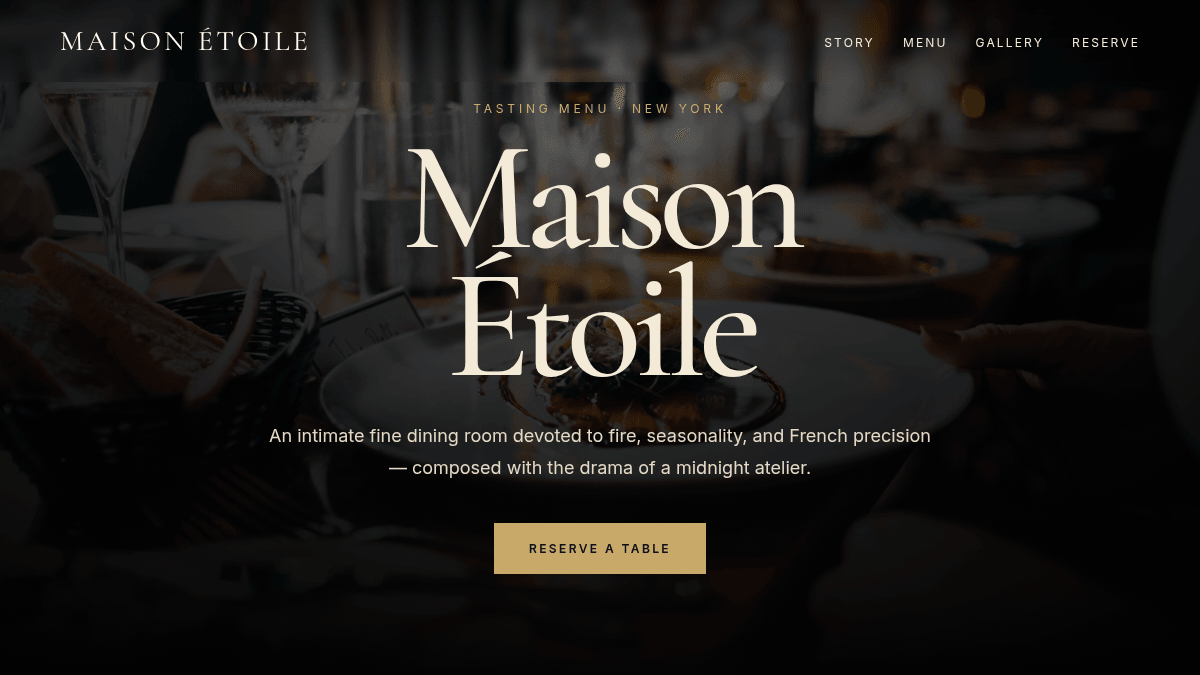
Julius can create landing pages, portfolios, personal blogs, ecommerce storefronts, and websites for restaurants, agencies, consultants, and local businesses. It can also build interactive web apps and data visualization sites with working browser controls.
Can I build a personal website or blog with AI?
Yes. Use Julius as an AI personal website builder or AI blog website builder to create portfolios, personal brand sites, resumes, and article-led blogs. Describe the sections and visual style, refine the result in chat, and publish it to a shareable Julius.site URL.
Can an AI website builder create web apps?
Yes. Julius can create interactive browser experiences as well as standard websites. Examples include calculators, games, dashboards, typing tests, and data visualizations with working controls and logic.
What should I include in an AI website prompt?
Name the site type, audience, required sections, desired visual style, and important interactions. Add brand colors, example copy, or mobile requirements when they matter. A concrete brief gives the AI website generator a clearer target.
What is the best free AI website builder?
The best free AI website builder should create a useful first draft, support conversational editing, and provide a simple way to publish. Julius is free to try: new accounts receive credits to create and refine websites in chat, then publish them to a Julius.site URL. Paid plans provide additional credits for continued use.